
Free Download
Top 7 ISO Video Player – Best ISO Media Players for Playing ISO
AuthorRecommended by the author
Free Download X

SoftwareHow to & Tips

Convert DVDRip DVD

Resources

Top 7 ISO Video Player – Best ISO Media Players for Playing ISO Image Files Smoothly

Author by Rocabella

Updated on Mar 25, 2026

ISO is not a common video or audio format, but a disk image used to back up the data on an optical disc. If you want to play an ISO movie, you need to find an ISO player first. In this article, we summarize 7 popular free ISO video players to help you open ISO files easily.

💡 Besides using these free ISO players, you can also rip ISO to a universal format like MP4 for smooth playback on any media player. Try this reliable ripper:

ISO Image Players for Opening ISO Files Smoothly

Q: My needs are simple. I'm looking for a media player that will load and play disk images (ISO). I have all of my DVD's as ISOs on my server. Is there any standalone media player that can handle an ISO file and is simple to use?

A: Yes, there are many free media players capable of playing ISO image files, each offering its own set of features and playback quality. In this article, we've listed 7 commonly used players that you might find useful. It's worth trying out a few to see which one works best for your needs.

Recommended 7 Best ISO Video Players

1. Kodi

ISO Movie PlayerISO Movie Player

https://kodi.tv/

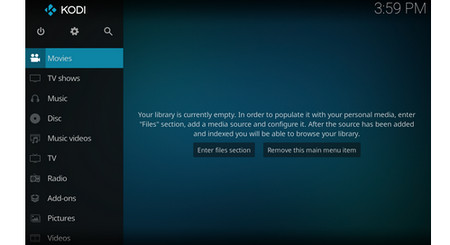
Kodi can play almost any popular audio and video format, including DVD discs. It's designed for network playback, so you can stream multimedia from anywhere in your home or directly from the Internet using virtually any available protocol. Kodi uses the video player "core" for video playback called "DVDPlayer". Based on FFmpeg, DVDPlayer now supports all popular formats. A useful feature of this DVD player core is the ability to play DVD movies stored in ISO and IMG DVD images or a DVD folder (IFO / VOB / BUP).

2. VLC Media Player

VLC ISO PlayerVLC ISO Player

https://www.videolan.org/

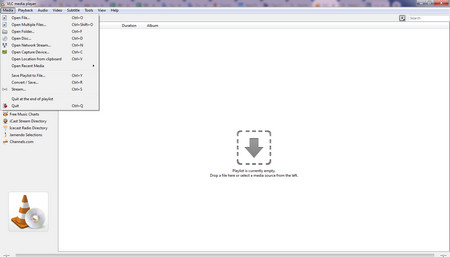
VLC Media Player is very popular for good reasons. It is a free and open-source, portable, cross-platform media player and streaming media server that supports almost all file formats without the need to download additional VLC codecs as well as can optimize video and audio playback. VLC Media Player has excellent tools for tweaking video and audio playback. With it, you can play DVD and ISO files with ease.

3. MPC-HC

ISO Media PlayerISO Media Player

https://mpc-hc.org/

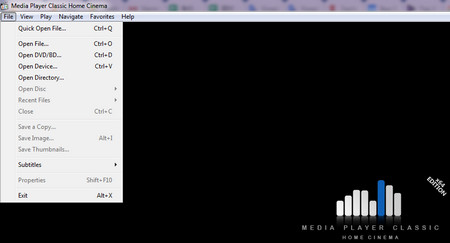
MPC-HC, which stands for "Media Player Classic - Home Cinema". This program surprised me in playing HEVC files flawlessly, including 4K videos with high bit rates. MPC-HC supports all common video and audio file formats available for playback and it has an advantage in playing VCDs and DVDs, including some commercial discs, nicely handling the menus and other elements, and it can also play non-protected Blu-ray and ISO files.

4. SMPlayer

DVD ISO PlayerDVD ISO Player

https://www.smplayer.info/

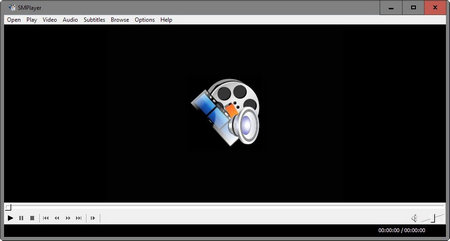
SMPlayer is primarily a video player that has a huge number of built-in codecs, which means you're unlikely to find a file it cannot play (its developers make the bold claim that it "can play virtually all video and audio formats"). It supports a huge range of file formats out of the box (including playing ISO movies) and gives you full control over video and audio playback.

5. VSO Media Player

VSO Media PlayerVSO Media Player

https://www.vso-software.fr/products/vmp/vso-media-player.php

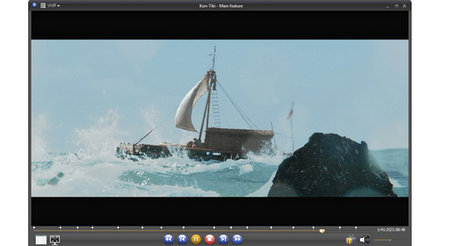
VSO Media Player is very lightweight and easy-to-use ISO video player. It is designed for compatibility with Blu-ray files and folders. If you read protected Blu-ray discs from an optical drive, you may need additional software to handle protection, such as AnyDVD. VSO Media Player manages playlists and can play video, Blu-ray, DVD and audio files without any external codecs. Supports multi-angle + multi-version. Reads DVD, Blu-ray and AVCHD .ISO files. It's free and does not include adware or spyware.

6. MPV player

MPV ISO Video PlayerMPV ISO Video Player

https://sourceforge.net/projects/mpv-player-windows/

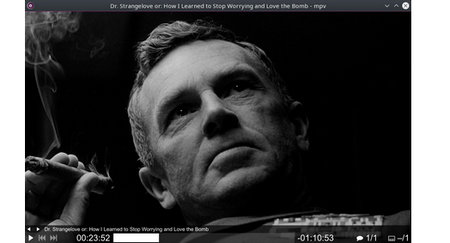
MPV is a free, open source, cross-platform media player based on MPlayer, mplayer2 and FFmpeg. Thus, it supports a wide range of media file formats, audio and video codecs, and subtitle types. MPV also supports GPU video decoding, video scaling, color management, frame timing, interpolation, HDR, and more. It is a command-line-based ISO file player that is more suitable for tech-savvy users prioritizing performance and customization.

7. KMPlayer

ISO Media PlayerISO Media Player

http://www.kmplayer.com/

KMPlayer is one of the best free ISO players for Windows, Android, and iOS. It supports a wide range of audio and video formats, including VCD, DVD, AVI, MKV, OGG, WMV, and ISO image files. It also supports 3D video formats and high-resolution content like 4K and UHD. More practical features included are playback speed control, subtitle synchronization, video capture, and the ability to add external codecs for additional format support.

Hot search: How to Play ISO on Android | Solve Kodi ISO Playback Issue | Solve Plex ISO Playback Issue | Play ISO Files on TV

Rip ISO to Digital Video File

ISO files are usually large. It may cause the player to freeze, crash, and may not play the full title. In addition, some ISO files may fail to play due to encryption or protection. So it's recommended to rip ISO to a digital format for smoother playabck.

WonderFox DVD Ripper Pro is a very popular ISO converter that can easily convert ISO to MP4, MKV and other digital video formats. You can free downloadfree download the program to have a try.
Powerful & Multipurpose ISO Video Player
WonderFox DVD Ripper Pro
  • 1. Play ISO file smoothly with the built-in ISO Video Player.
  • 2. Compress an 8 GB ISO image to a 1–2 GB digital video file.
  • 3. Digitize ISO to MPEG-2 MPG format in about 5 minutes.
  • 4. Convert ISO to MP4 and 500+ presets with GPU Acceleration.
  • 5. Bypass/remove all DVD copy protections like region code, CSS, etc.
  • 6. Make a 1:1 intact digital copy (ISO or VIDEO_TS) with all content.
  • 7. Basic editing features and customize output video/audio parameters.
  • 8. Support homemade/recorded/commercial DVD & ISO & Video_TS.
Download Free Download
Product Page Product Page
Compatible with Windows 10, 8, 7, Vista, XP and lower Windows, 100% Clean!

Tutorial on How to Rip ISO to Digital Video Format

ISO Ripper

Before start, please free downloadfree downlaod the software.

Step 1: Load ISO Movie into Program

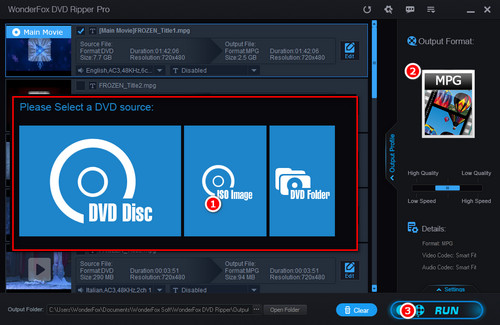
Click "ISO Image" button to load ISO image file. All movie titles will be detected and listed in a few seconds after analyzing.

Step 2: Choose an Output Format

Open the output format on the right side then select a video format under the Video tab. In addition, there are 500+ video, audio formats and devices here. You can easily convert ISO to MKV, AVI, iPhone, LGTV, PS5, etc.  

Step 3: Start Converting ISO to Digital Video

Now, set output path and click the "RUN" button to start converting the ISO to digital video.

At last...

The above is the review of top 7 ISO video players, each product has its own strengths, but they are all good ISO media players, you can choose a suitable player based on your needs. If you have any questions about how to convert ISO to digital video format, please feel free to contact us.

Convert ISO Image File and Local Videos to Other Formats

Convert ISO Image File and Local Videos to Other Formats

WonderFox DVD Video Converter

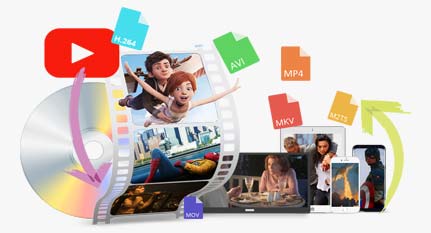
WonderFox DVD Video Converter is a powerful all-in-one program that you can use to convert ISO image files to digital format. The program can convert videos to any format, as well as download YouTube videos. It provides basic editing features that you can use to edit your video. Download it to have a try!

Free Download DVD Video Converter Free Download DVD Video Converter

More Related Articles

How to Convert IMG to ISO with 3 Effective Ways ISO to MP3 – Simplest and Best Way to Convert ISO File to MP3 Best ISO Extractor – 3 Simple Methods to Extract ISO File
HandBrake ISO – How to Resolve HandBrake ISO to MP4/MKV Problem The Best ISO Compressor – Compress ISO Files to Much Smaller Sizes ISO to EXE Converter – How to Convert ISO to EXE or ZIP with 3 Practical Programs