
CleanShot X is a screenshot and screen recording app available only for Mac. If you’re looking for an equivalent to CleanShot for Windows, this article will offer you three top options, each with handy screen capture tools and some unique features.
All-in-One Screen Recorder: HD Video Converter Factory Pro

CleanShot X is a functional screen capture tool that can cater to various screenshots and screen recording needs. However, it is only available for MacOS.
Key features of CleanShot X include:
While there is no Windows version of CleanShot X, there are many alternatives to CleanShot X for Windows. Here are 3 of my top picks for CleanShot Windows alternatives. Go through their details to decide which one to use.
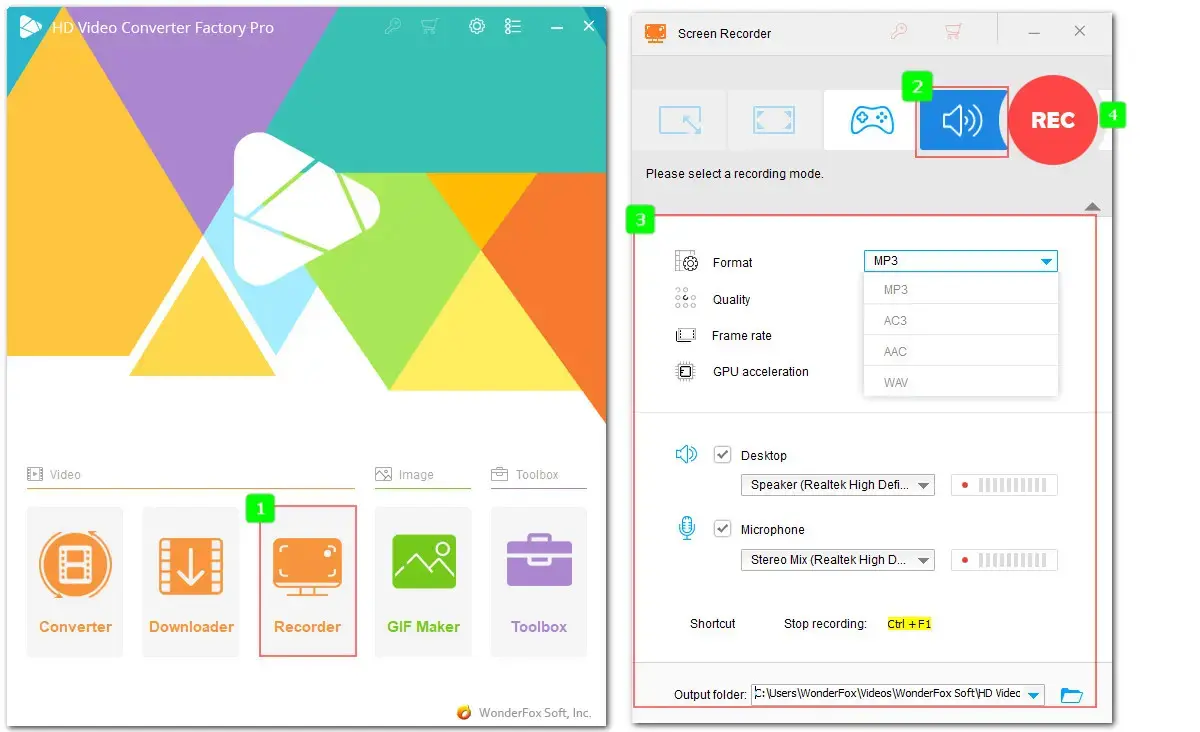
WonderFox HD Video Converter Factory Pro is a comprehensive multimedia processing toolkit designed mainly for audio and video format conversion. It also includes a capture tool with core screen recording features similar to CleanShot X. You can record the full screen or a selected area, capture system and microphone audio, and save the output as MP4. It includes a built-in editor to trim, crop, apply effects, and make other basic edits.
👉 Free download this competent alternative to CleanShotX and give it a try today!
Here’s a feature comparison of WonderFox HD Video Converter Factory Pro and CleanShot X to help you see if WonderFox meets your Windows screen recording needs:
| Features | CleanShot X | HD Video Converter Factory Pro |
|---|---|---|
| Ease of use | Easy | Easy |
| Record entire screen or a specified area | ✓ | ✓ |
| Record a window | ✓ | ❌ |
| Capture system and mic audio | ✓ | ✓ |
| Audio-only recording | ❌ | ✓ |
| Record as H.264 MP4 video | ✓ | ✓ (and also AVI, MKV, MOV, MP3, WAV, AAC, AC3) |
| Options to control quality and frame rate | ✓ | ✓ |
| Record as GIF | ✓ | ✓ (convert with built-in GIF Maker) |
| Record camera | ✓ | ❌ |
| Video editor | ▪ Trim ▪ Change quality or resolution ▪ Convert stereo audio to mono ▪ Playback recorded video ▪ Adjust volume or mute audio |
▪ Trim, crop, split, rotate, merge ▪ Apply effects ▪ Add subtitles, background music, or watermarks ▪ Edit metadata ▪ Customize video and audio settings, incl. encoder, resolution, aspect ratio, frame rate, bitrate, audio channel, sample rate, volume, etc. |
| Recording quality | 4K | 4K |
| Other features | Take screenshots and edit with annotations | Convert, download, and compress videos or audio files |
| Price | App + Cloud Basic: $29/lifetime for 1 MAC No free trial version |
Unregistered version (5 times for free) $29.95/1-year $34.95/lifetime (buy one get one gift) |
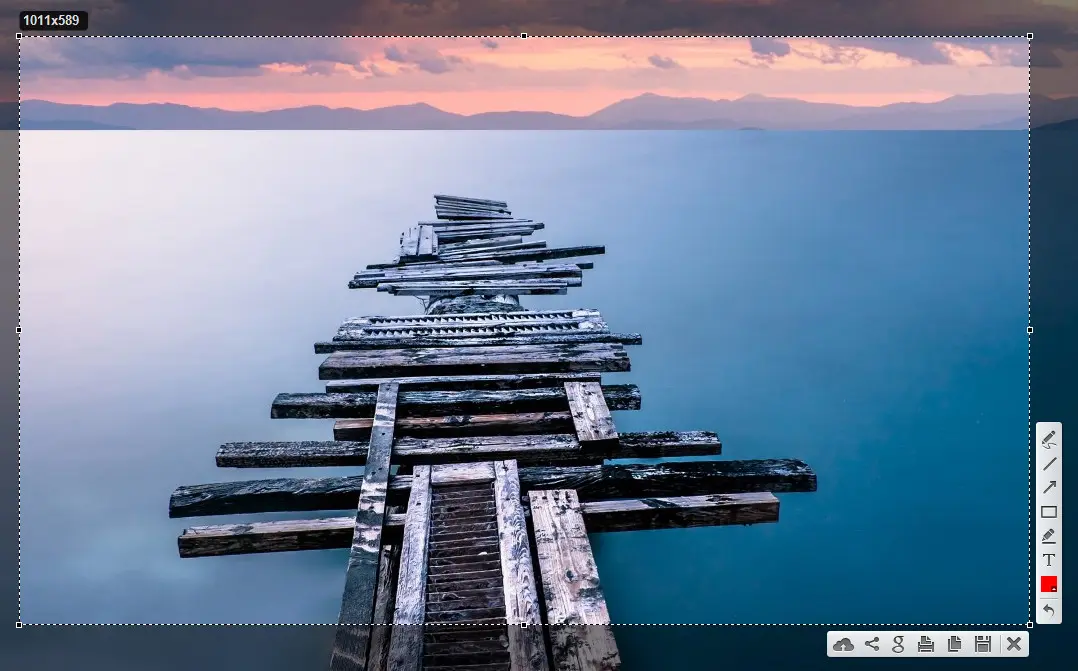
Lightshot is a cross-platform CleanShot X screenshot alternative. It's available for Windows, Mac, Linux, and as a browser extension for Chrome and Firefox. Although free, it offers a fast and easy way to capture customizable screenshots on Windows. It allows you to take screenshots of the entire screen or a selected area, annotate your captures, and quickly share them via social platforms like X, Facebook, VK, and Pinterest.
We also compared the screenshot capabilities of CleanShot X and Lightshot.
| Features | CleanShot X | Lightshot |
|---|---|---|
| Ease of use | Easy | Easy |
| Platform | Mac | Cross-platform |
| Grab selected area | ✓ | ✓ |
| Capture full screen | ✓ | ✓ |
| Capture a specific window | ✓ | ❌ |
| Annotation tool | ✓ | ✓ (Rectangle, Marker, Line, Arrow, Pen, Text, and Color) |
| Hotkeys support | ✓ | ✓ |
| Similar image search | ❌ | ✓ |
| Screenshots format | JPG, PNG | JPG, PNG |
| Cloud storage | ✓ | ✓ |
| Price | App + Cloud Basic: $29/lifetime for 1 MAC No free trial version |
Free |
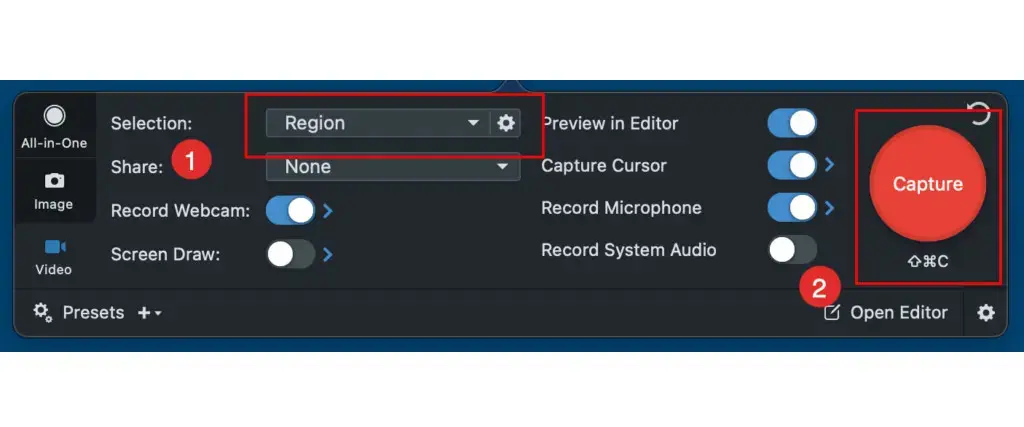
Snagit is a robust CleanShot X substitute for Windows and Mac. It provides multiple options for capturing screenshots and recording your screen. Likewise, it offers various ways to capture your screen. You can snap an image or capture a video of a custom selection or the whole screen with ease. A scrolling window option is also provided for you. It includes more extensive annotation tools than CleanShot, making it ideal for more complex projects. There is also an OCR feature, letting you capture text from anywhere on the computer screen.
Here is a feature comparison of CleanShot X and Snagit:
| Features | CleanShot X | Snagit |
|---|---|---|
| Ease of use | Easy | Moderate |
| Platform | Mac | Windows, Mac |
| Custom capture | ✓ | ✓ |
| Scrolling capture | ✓ | ✓ |
| Annotation tool | ✓ | ✓ |
| Auto-remove image background | ✓ | ❌ |
| Text recognition (OCR) | ✓ | ✓ |
| Screen record video with audio | ✓ | ✓ |
| Webcam recording | ✓ | ✓ |
| Built-in video editor | ✓ | ✓ (merge, trim, extract frame to image, and convert video to GIF) |
| File export formats | PNG, JPG, MP4 | PNG, JPG, GIF, MP4, PDF, etc. |
| Price | App + Cloud Basic: $29/lifetime (for basic needs) App +Cloud Pro: $96/year |
Snagit Individual: $39/year Snagit: $62.99/lifetime |
These three CleanShot alternatives for Windows allow you to capture screenshots and record your screen efficiently. Choose the option that fits your needs based on price, export formats, quality, capture modes, or editing features.
CleanShot is a screenshot and screen recording tool for Mac. It offers many capture features as well as tools for image annotation and video editing.
No, CleanShot X is a paid tool and does not have a free trial either.
CleanShot X allows you to save screenshots to the CleanShot Cloud or a specific local folder on your Mac. You can customize the export location in the ‘General’ settings.
In this article, we introduced 3 CleanShot X Windows alternatives, including WonderFox HD Video Converter Factory Pro, Lightshot, and Snagit.
WonderFox HD Video Converter Factory Pro is suitable for high-definition screen recording and has additional features for editing, converting and compressing captured videos.
Lightshot is best for easily taking customizable screenshots, and it also works on your browser as an extension, making it the most accessible Windows equivalent to CleanShot X.
Snagit is best for professional use, handling screenshots and screen recordings on both Windows and Mac.
For additional recommendations, see our review: 9 Best Free Screenshot Tools for Windows.
WonderFox
DVD Ripper Pro - Powerful DVD Ripper for Windows
WonderFox DVD Ripper Pro is a professional DVD ripping program that can easily rip any DVD (whether homemade or commercial) to 500+ hot presets including MP4, MKV, MP3, WAV, H264, H265, Android, iPhone, and so on. It also lets you edit and compress DVD-Video efficiently. Download it to enjoy a fast and trouble-free DVD ripping experience.
 Download for FreeDownload for Free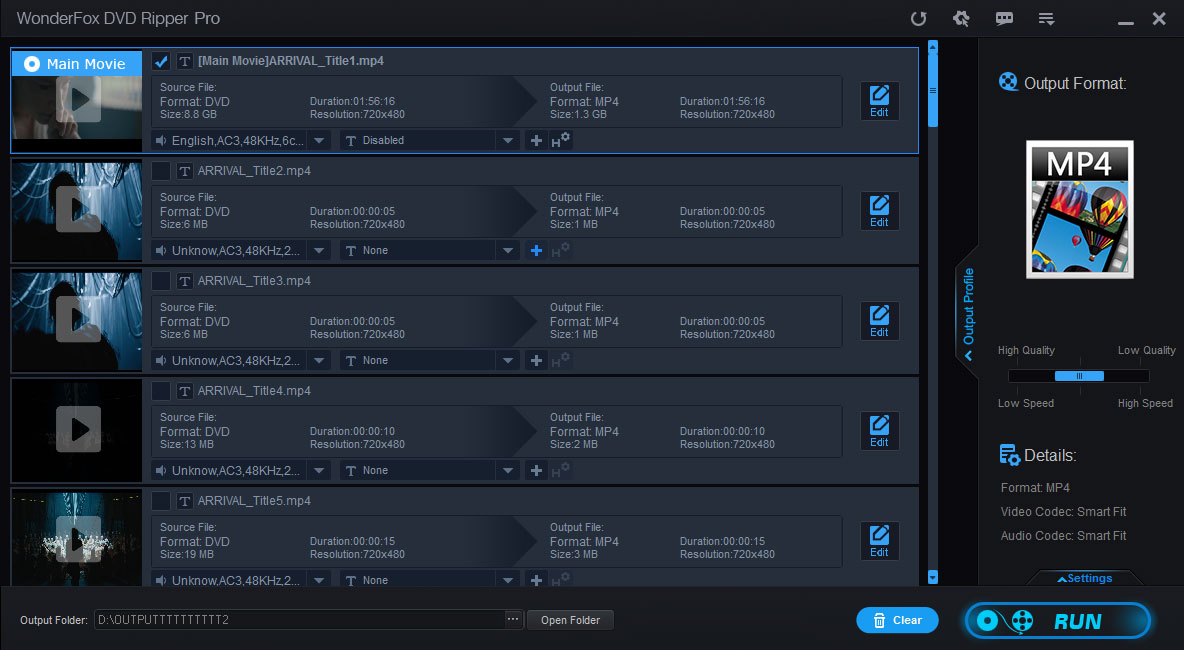

Terms and Conditions | Privacy Policy | License Agreement | Copyright © 2009-2026 WonderFox Soft, Inc. All Rights Reserved.



 Download for Free
