

Have you ever seen some videos with beautiful soundtracks? Want to save the audio track only while watching a film? Then you may desire reliable audio-stripping software to extract audio from video. Instead of wasting time finding the free audio extractor software, just read this post. It has collected the top seven best sound extractors on the market. By the way, you can download the most recommended free yet efficient sound extractor for Windows here:
https://www.videoconverterfactory.com/download/hd-video-converter.exehttps://www.videoconverterfactory.com/download/hd-video-converter.exe
 Carina | Updated on Jan 23, 2024
Many times when watching a movie or video, you may fall in love with the beautiful background music or soundtracks. If you want to save the soundtracks for audio-only enjoyment, you can take audio from videos through some excellent sound extractors. With an easy-to-use audio extractor, you can extract the audio soundtracks from video to MP3 and other formats with just a few simple clicks. Some audio extractors even allow you to customize the audio bitrate and sample rate, increase the audio volumes, etc. to enhance the audio quality. Read on, and you’ll know the best seven free audio extractor software for Windows PC in 2024.
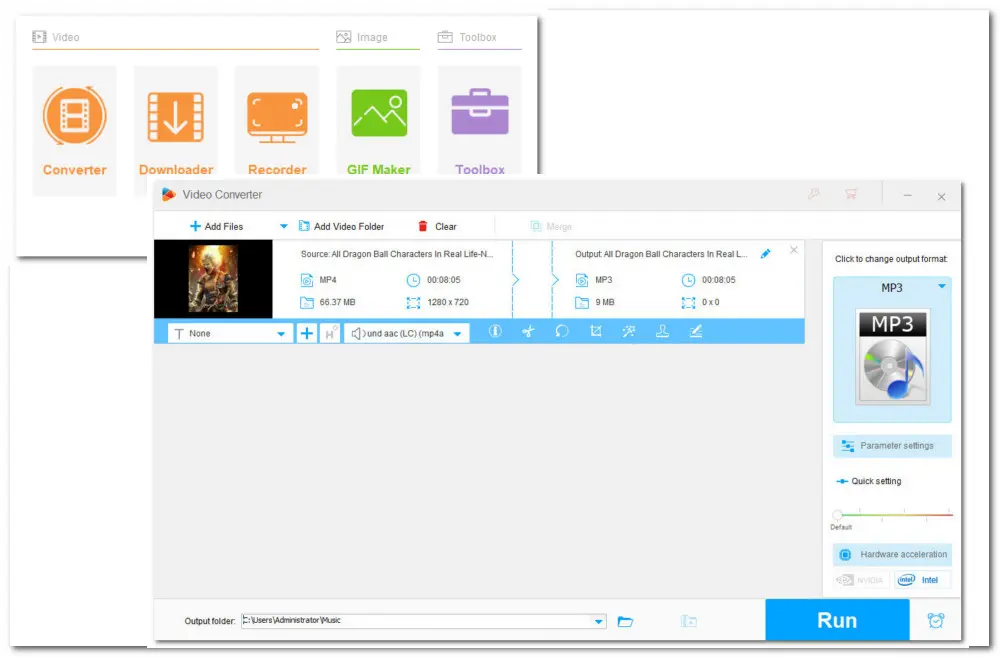
WonderFox Free HD Video Converter Factory is one of the most popular and best free programs for extracting sound from movies on Windows. This program is also simple to use. The self-explanatory interface and easy process enable you to finish stripping sound from video in just three steps, even if you are a newcomer. You can also take it to change the video formats, edit video files, and download video/audio from 500+ sites. The following are the specific features:
Pros:
Cons:
Download link: https://www.videoconverterfactory.com/download/hd-video-converter.exehttps://www.videoconverterfactory.com/download/hd-video-converter.exe
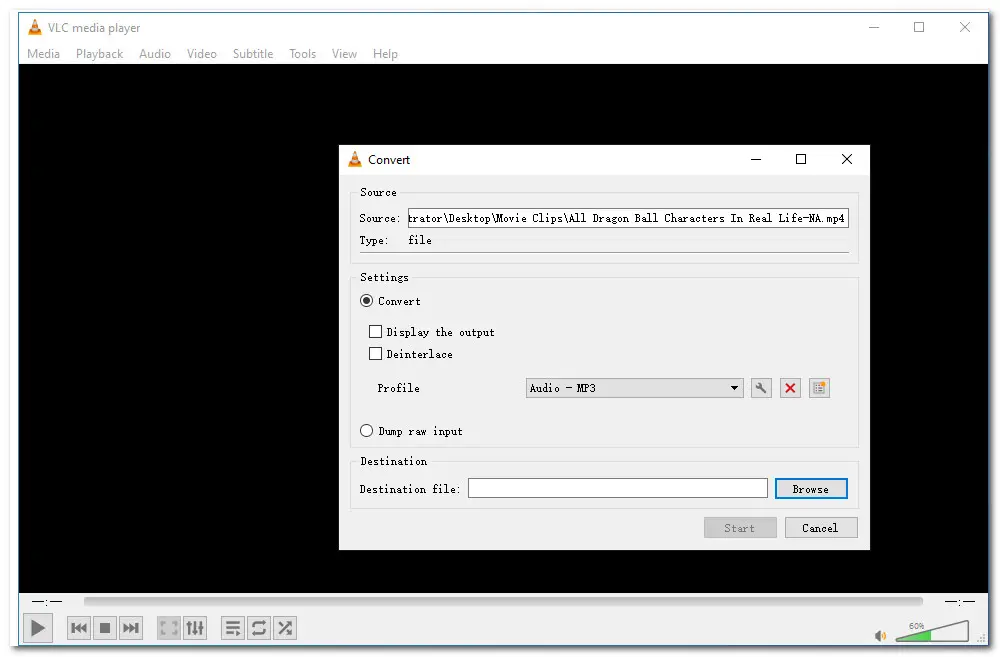
VLC is more than just a media player; it's also a free video to audio converter that lets you separate audio from video. There are no limitations to use this application, and you can extract sound from video with no issue. The following is further information about this tool:
Pros:
Cons::
Official Website: https://www.videolan.org/vlc/
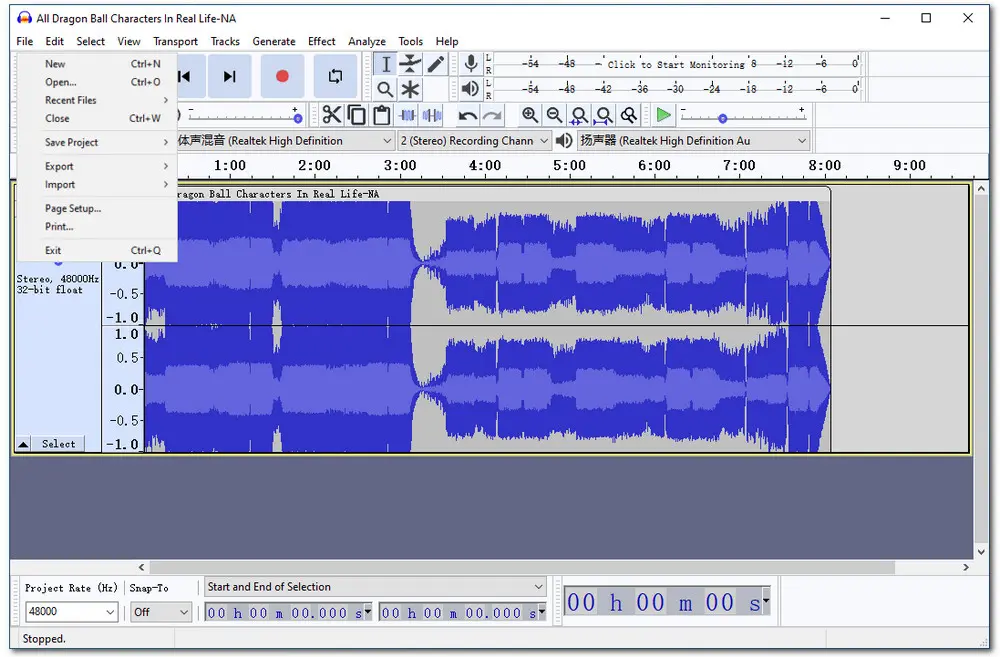
Audacity, an easy-to-use, multi-track audio editor and recorder for Windows, macOS, GNU/Linux, and other operating systems, is another option. It is free, open-source software. It also provides many specific functions, such as the ability to record, edit and play audio files. But note that you should download an FFmpeg library to enable Audacity import your video files. Here are some additional details:
Pros:
Cons::
Official Website: https://www.audacityteam.org/
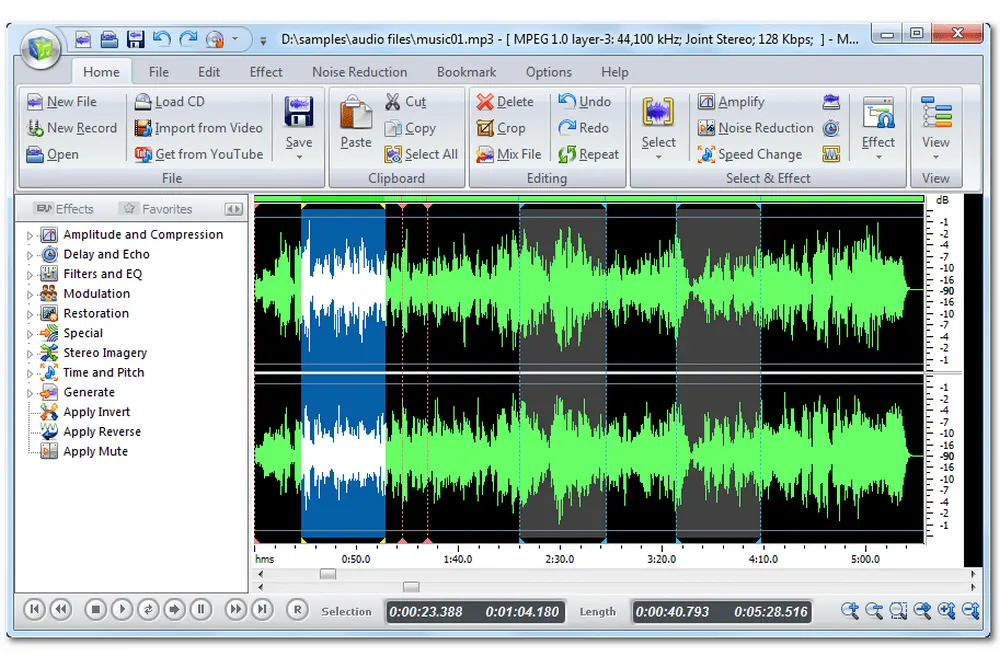
Free Audio Editor is another free and open-source audio extracting program. It allows you to record sounds, perform audio cutting, copying, pasting, deleting features, and apply audio effects and filters with ease. In addition to being an audio editor, you can also use it to download videos from YouTube and then separate audio from them.
Pros:
Cons::
Official Website: https://free-audio-editor.com/
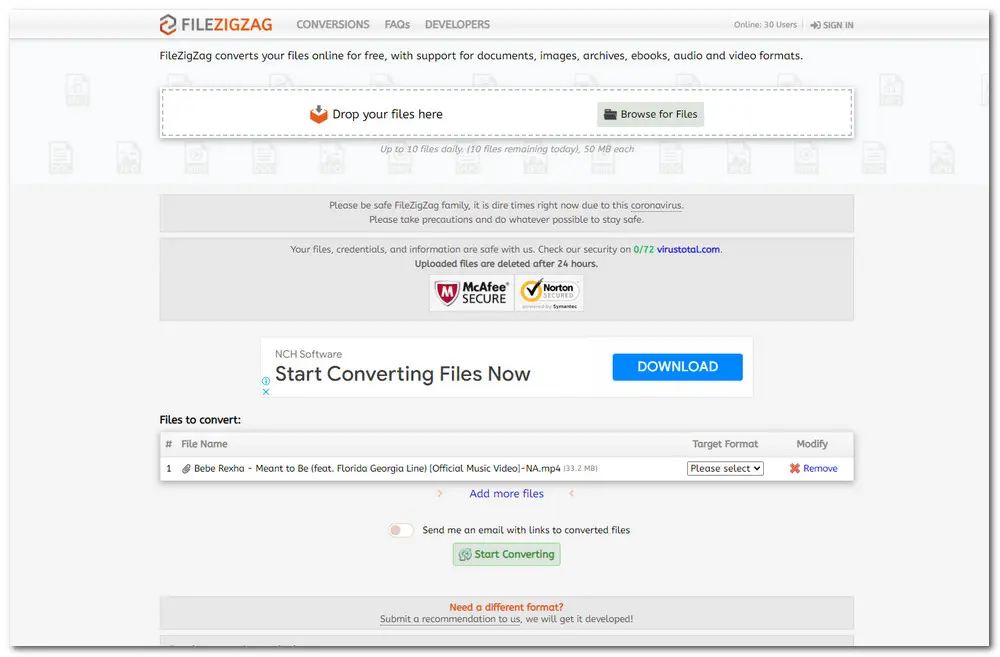
FileZigZag is an all-in-one online music extractor that help the users to convert audio files, videos, documents, images, and archive files. It performs better than other online sound extractors in converting speed. If you don't want to download any extractors, FileZigZag is a good alternative. The following is further information:
Pros:
Cons:
Official Website: https://www.filezigzag.com/
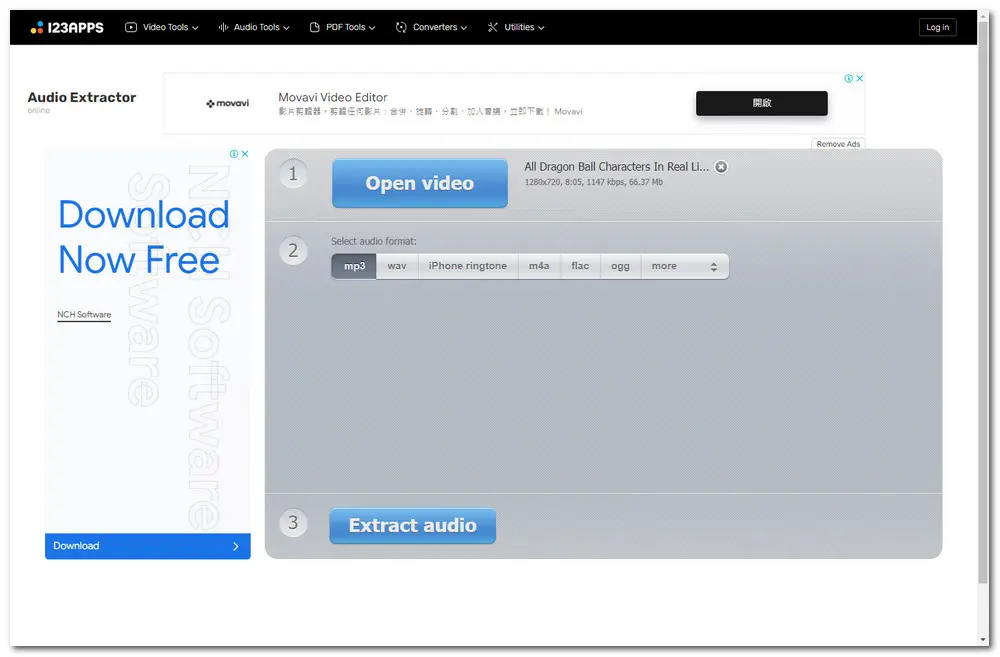
Audio Extractor is a one-stop website for extracting sound from video files in a variety of formats. The process of separating your audio from video is considerably easier. Here’s some additional information:
Pros:
Cons::
Official Website:https://audio-extractor.net/
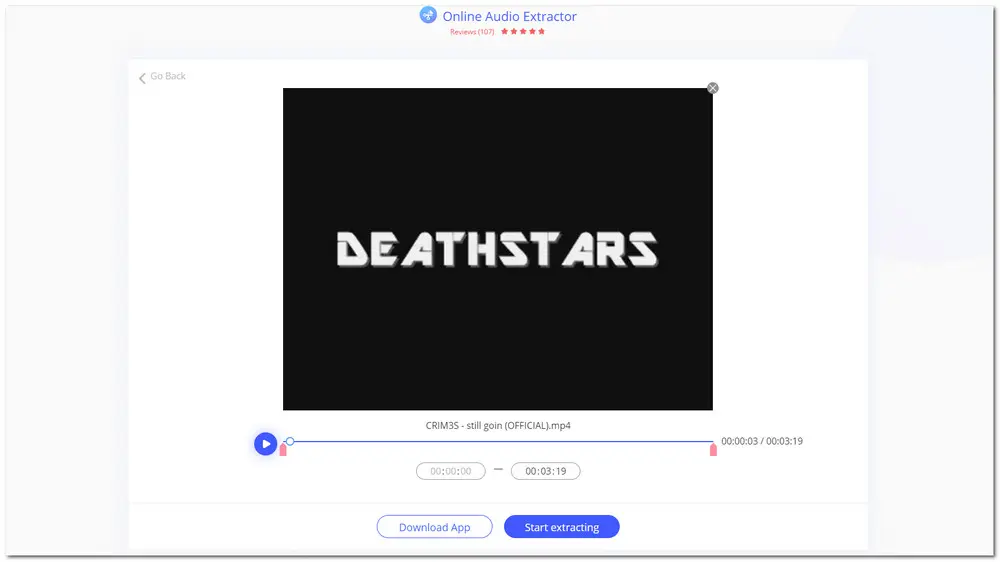
Beecut Online Audio Extractor is also a handy free online audio extractor that can help you rip audio from video files. With a clean interface and a simple audio-extracting process, users can easily extract audio from videos with it. You can even choose a specific period and extract audio from the selected period. The extracted audio file will be saved as a .aac file. More information is listed below:
Pros:
Cons::
Official Website:https://beecut.com/extract-audio-online
That’s all about the best audio extractor software. Looking for a suitable music extractor from video may be a difficult task, but with this article, you can straightly choose one among the recommended sound extractors according to your various needs. Hope you can find this article helpful. Thanks for reading!

Privacy Policy | Copyright © 2009-2024 WonderFox Soft, Inc.All Rights Reserved
